Comparison result
The result view is where Comparison earns its keep. You already chose two snapshots. Now DeepSnap shows the story between them.
Read the headline first
The result header names the pair and backend, then surfaces badges for Modified, Added, and Removed. Those counts are your triage signal. A tiny change with a huge "modified" count may mean the capture was too deep. A focused set of removals may confirm the refactor did what you hoped.
Filter chips let you narrow the noise: All, Modified, Added, or Removed. Expand only the changed branches when you want signal, or collapse everything when you need to reset your view.
Pick the reading style that matches the question
Columns
Use Columns when you want a compact multi-column list and a fast scan of the diff.
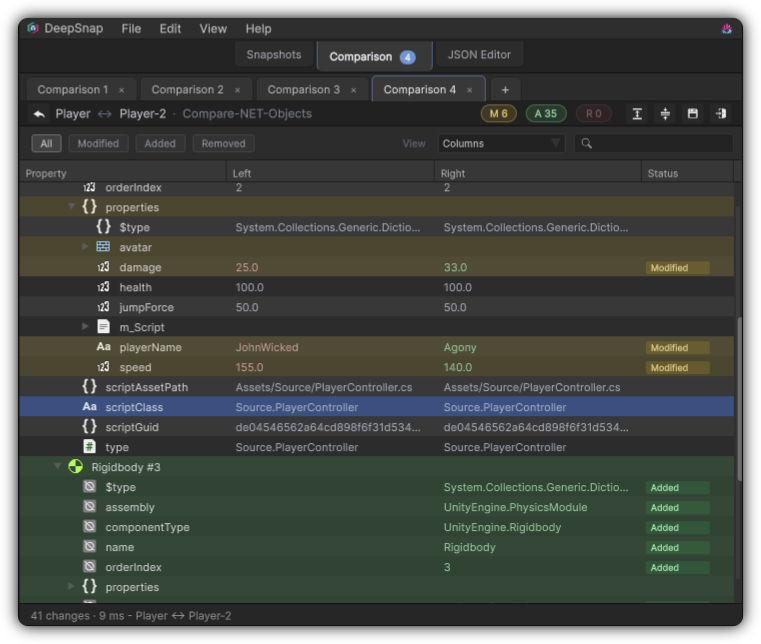
Columns view: a compact scan of modified, added, and removed entries.
Side by Side
Use Side by Side when you need dual tree inspection to understand how two graphs line up.
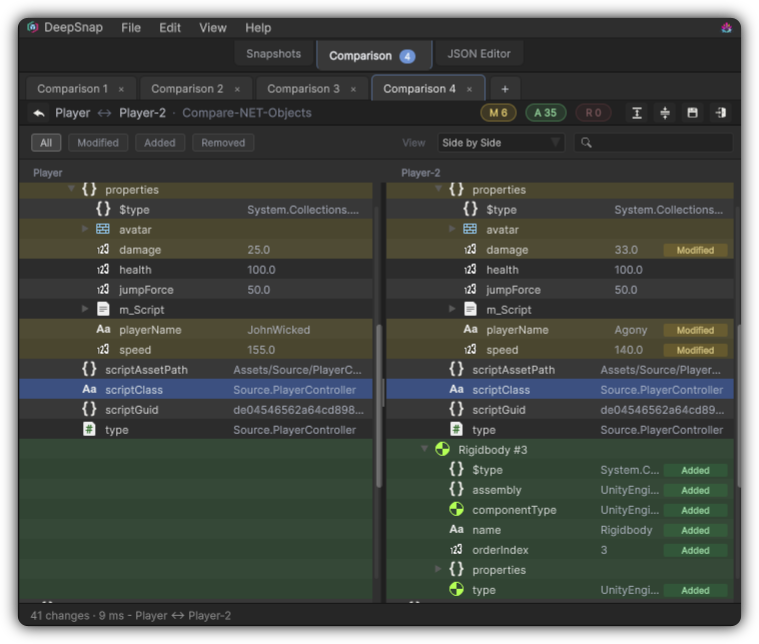
Side by Side view: inspect both graphs together while you triage differences.
JSON
Use JSON when the payload text itself is the evidence, and you want both sides visible.
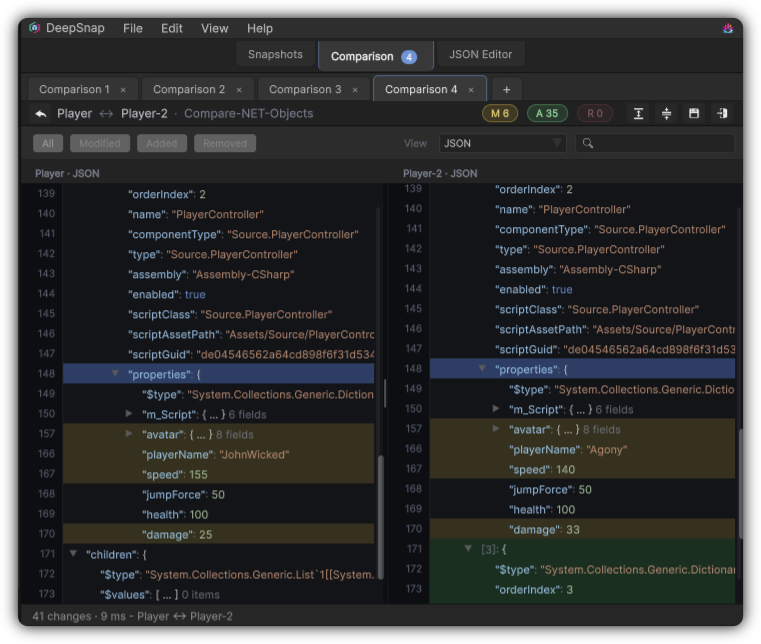
JSON view: dual payload presentation for format-level evidence.
Change the default first view in Preferences → Comparison so DeepSnap opens in the style your team uses most.
Keep the evidence
A good diff is worth saving. Store the result as a .deepsnapdiff so you can reopen it later without re-running Compare. That matters when:
- A bug report needs attachable proof
- A design review wants before-and-after clarity
- You will revisit the same regression after another pass
Load saved comparisons from the picker tools or File menu whenever the question comes back.
Make results part of the habit
The strongest teams treat comparison results like commits for state:
- Capture before the change
- Capture after the change
- Compare with matching backends
- Save the
.deepsnapdiffnext to the ticket or milestone notes
If the result looks noisier than expected, revisit capture depth in Snapshots and prefer Serialized-only for Inspector-facing work. Cleaner inputs produce clearer results.
When you are ready to set up the next pair, return to Comparison.